The connectivity truth: phone signal works around Labuan Bajo and fades to dead zones through most of Komodo National Park — but Starlink is changing the equation fast, and boats that carry it now offer usable WiFi at anchor. Here’s the honest coverage map, which boats have what, the SIM setup that squeezes out the most bars, and whether you can actually work from a liveaboard.
The Coverage Map in Plain Words
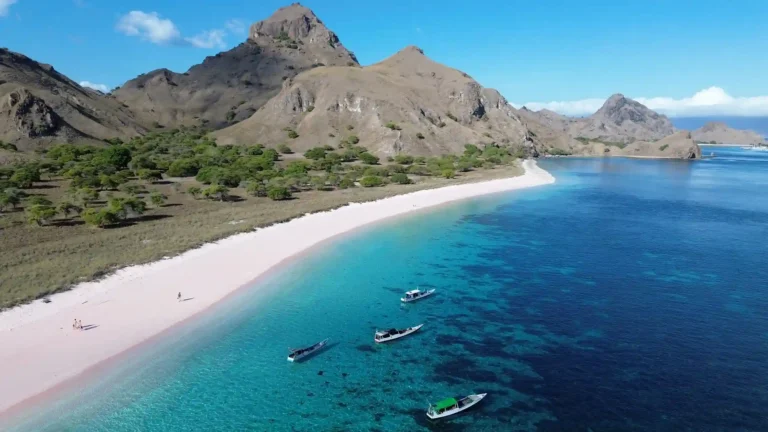
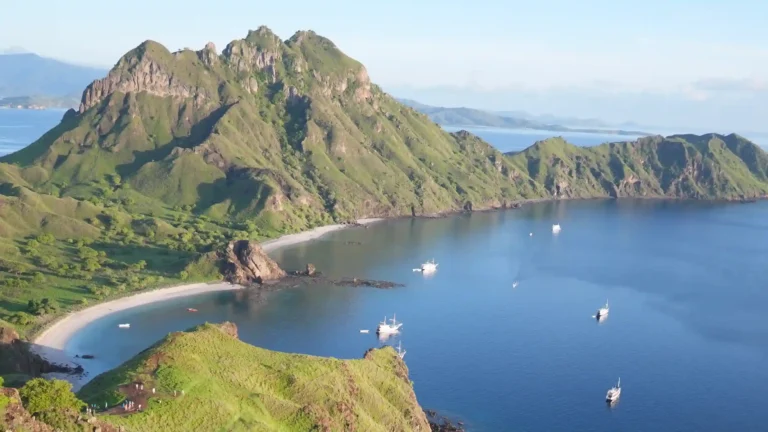
Telkomsel is the only carrier that meaningfully exists out here. Expect: solid 4G in Labuan Bajo town and the first hour of sailing; patchy bars around Kelor and the Rinca approaches (towers on the Flores coast); dead zones through the park’s heart — Padar, Pink Beach, Komodo Island’s west, Manta Point; and surprise pockets on hilltops (Padar’s summit sometimes catches a bar from across the strait — the summit selfie occasionally uploads itself). XL and others: forget it past the harbor.
Which Boats Have Starlink or Onboard WiFi
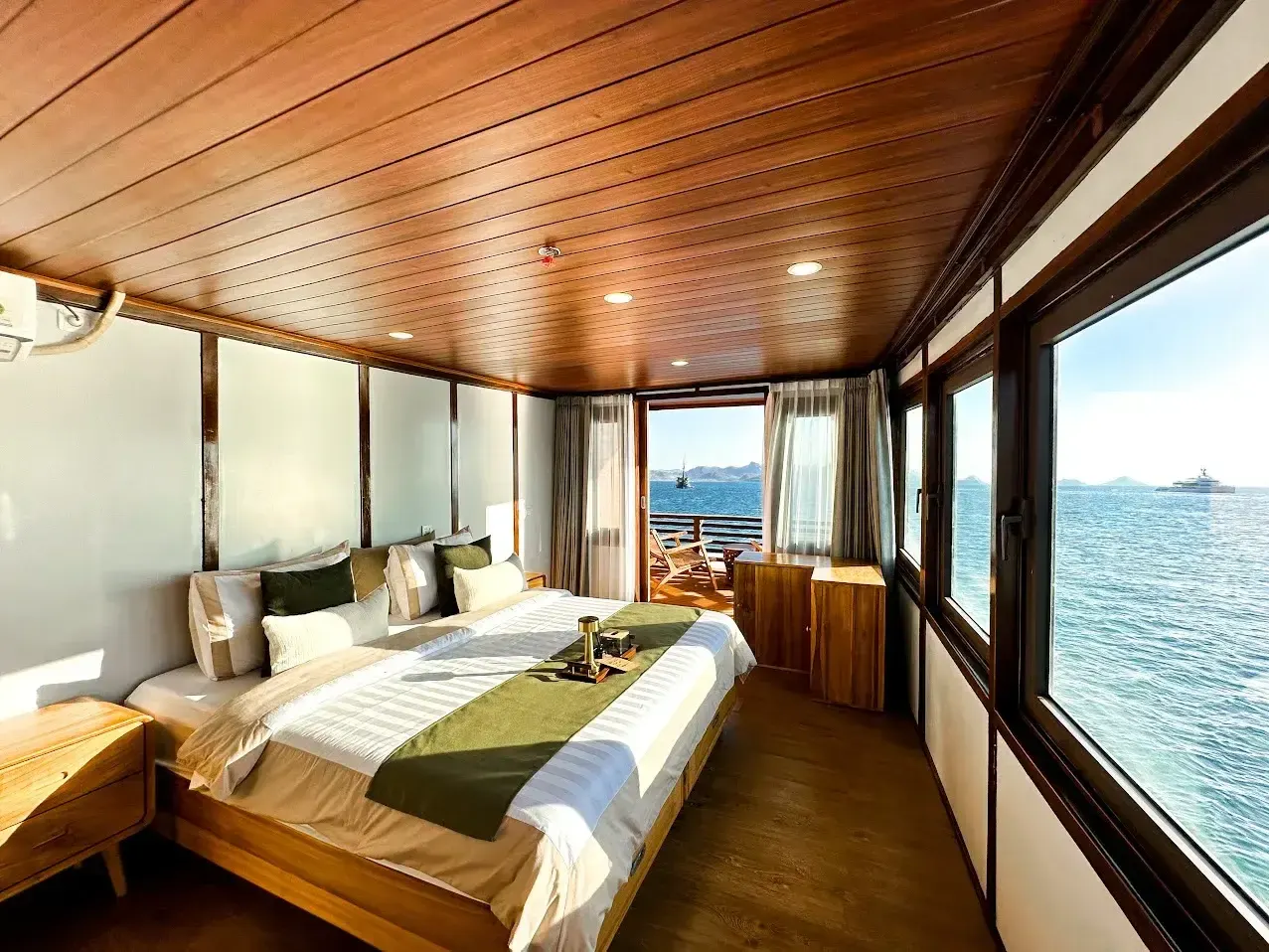
Starlink arrived in the fleet from 2023–2024 onward and splits the market three ways: luxury phinisi and yachts increasingly carry it standard (our luxury charters include it); deluxe shared boats are adding it — some free at anchor, some with fair-use caps when 14 guests hit one dish; standard boats have nothing but the captain’s phone. If connectivity matters, ask two questions before booking any boat: “Starlink or GSM WiFi?” (GSM ‘WiFi’ dies exactly where your phone does) and “included or paid add-on?” The desk lists current per-vessel setups: the fleet, and it’s checklist item #9 in choosing a Komodo boat.
The Best SIM/eSIM Setup
- Telkomsel SIM or eSIM — buy at Bali airport, via eSIM apps before flying, or in Labuan Bajo town (bring your passport for registration).
- Load a data package (10–20 GB tourist packs are cheap) before boarding — top-ups at sea obviously don’t happen.
- Download offline first: maps, playlists, books, the boat’s WhatsApp group thread. The park will handle your entertainment; the crossing playlists are on you.
Can You Work Remotely from a Komodo Liveaboard?
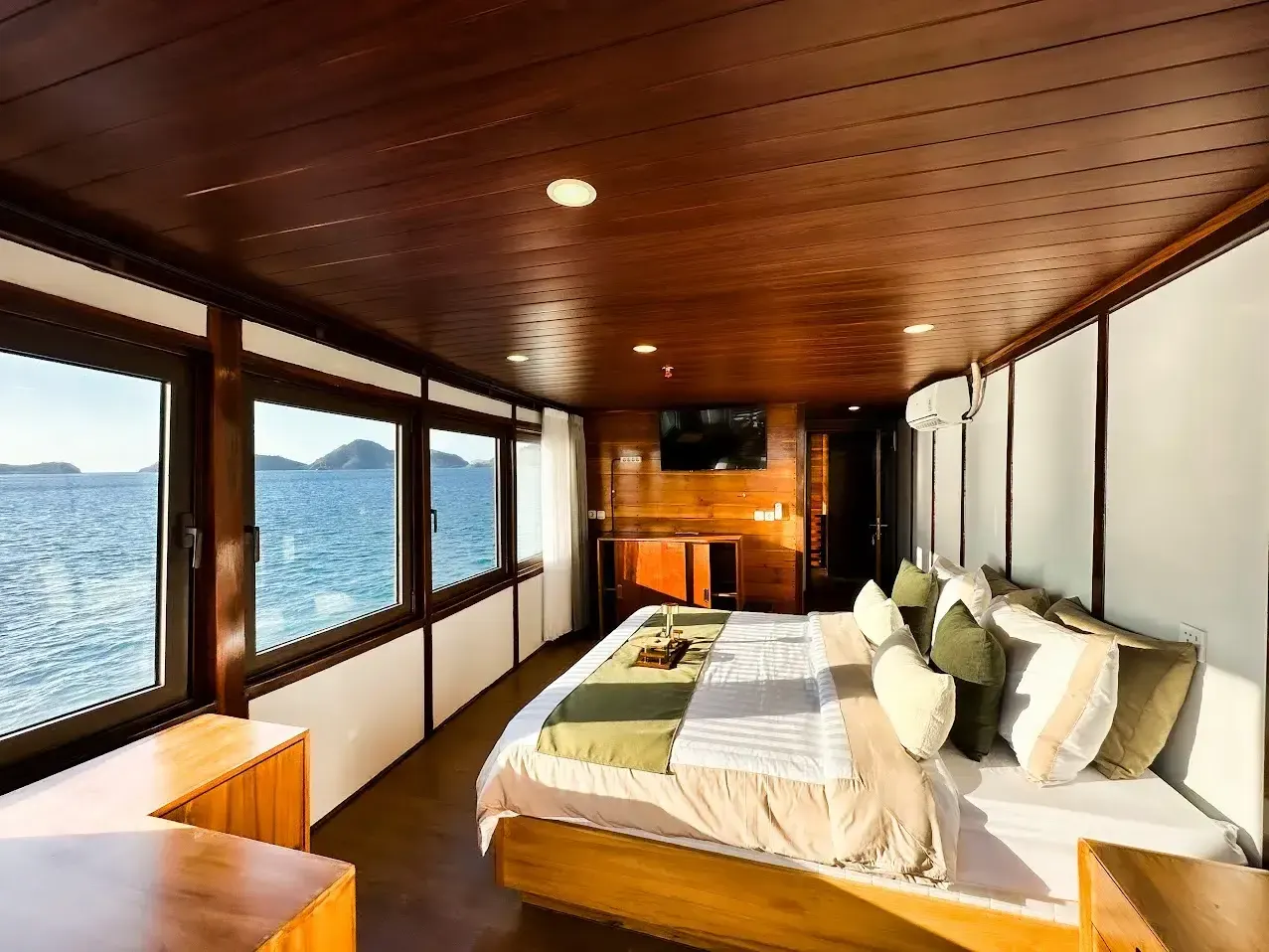
Honest test results: on a Starlink boat at anchor — yes, genuinely; video calls hold, files sync, one of our guests ran a product launch from the saloon (we judged him only slightly). Under way, dishes drop in and out with the boat’s motion. On GSM-only boats — no; treat any bar as a bonus. The realistic remote-work format: private charter with confirmed Starlink, itinerary shaped around anchor-hours = your meeting blocks, islands between them.
Emergency Communication When There’s No Signal
Connectivity for fun and safety are different systems. Every boat we run carries VHF marine radio (harbor and inter-boat channels work park-wide), GPS, and captains who file float plans — a guest’s dead phone is a lifestyle event, not a safety one. The full equipment list: safety standards and what every boat must carry.
The Case for Going Dark for Three Days
Half our returning guests name the disconnection as the trip’s best feature — three days where the notifications physically cannot reach you, and the evening entertainment is a bat exodus and a sky with actual stars. If your life allows it: set the out-of-office, tell people the truth (“no signal in dragon country”), and let the park do what it does. The 3D2N is precisely the right dose.
FAQ: Connectivity Quick Answers
Will WhatsApp work during my trip?
In town and near Rinca, yes; deep park, only on Starlink boats. Warn family of quiet windows in advance.
Can I get a signal for maps/navigation?
You don’t need it — navigation is the crew’s job. Download offline maps for town days.
Is boat WiFi fast enough for Netflix?
Starlink at anchor: usually. Shared among 14 guests on a cap: don’t be that guest.
What should I pack for connectivity?
Telkomsel eSIM, power bank, offline everything — the full list: what to pack.